Written for Operations leaders · Small business owners · Marketing teams
Teams often jump to a full rebuild when the real problem is content structure, speed, or a CMS that fights them daily. The right call depends on what is broken, platform, positioning, or conversion path.
Migrate when the bones are fine
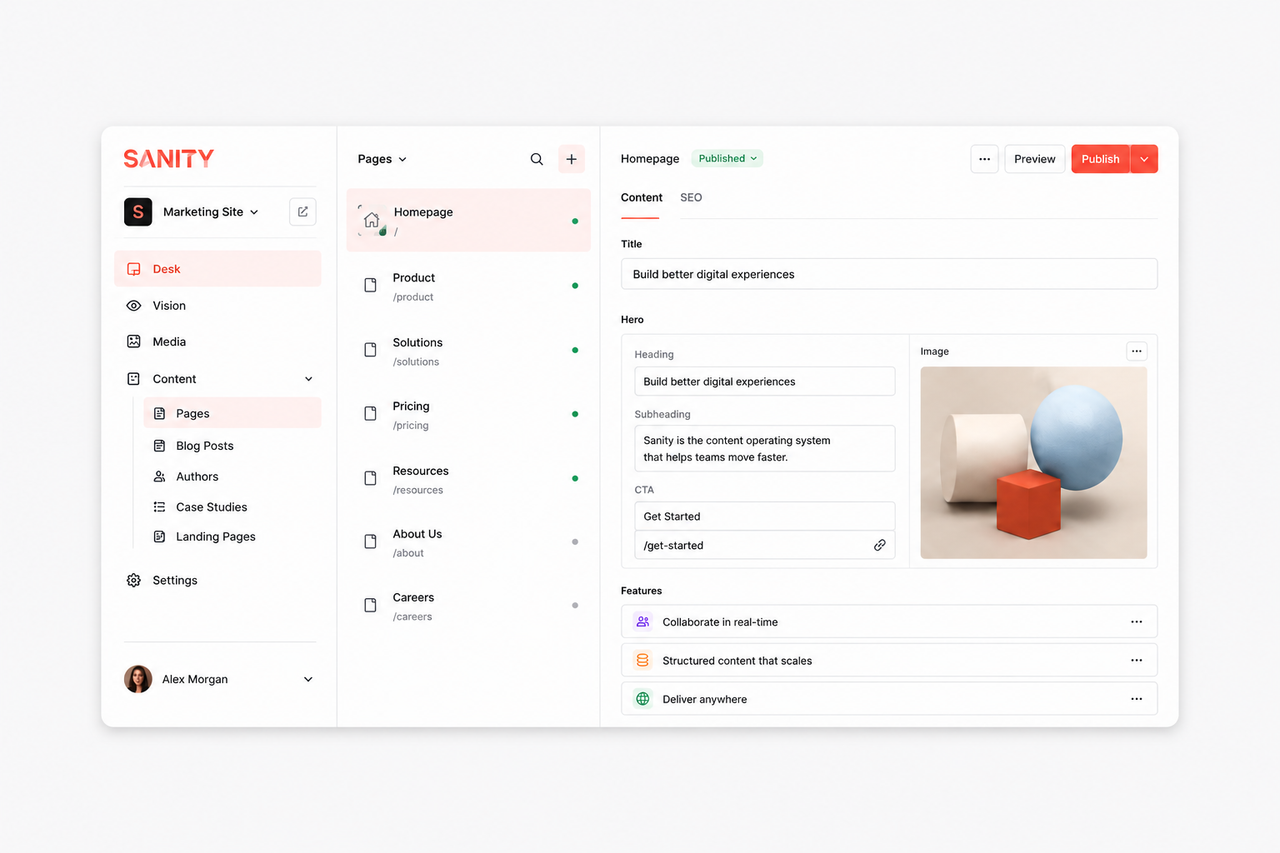
If the offer is clear and the pain is WordPress plugins, Webflow limits, or slow hosting, a Webflow to Next.js migration or WordPress to Next.js migration often delivers most of the value at lower cost than a rebuild.
Rebuild when the strategy moved
Rebuild when positioning changed, the site has no single conversion path, or you would not send paid traffic to it today. A rebuild fixes structure, copy, and lead gen architecture together instead of patching a broken funnel.
Decision checklist
- Can you state one primary action per core page in one sentence?
- Does the CMS let marketing publish without a developer ticket?
- Are Core Web Vitals and redirect maps acceptable for SEO?
- Would you send this year's ad budget to the current homepage?
The question is not WordPress or Next.js. It is whether the current site still matches how you sell today.
Scope the project in one working session: list every page that must convert, every CMS pain point, and every integration the new stack must support. That list tells you whether you are migrating content or rebuilding the funnel.
The Rebuild vs Migrate Scorecard
Teams debate platforms for months when the decision is operational: does the current site still match how you sell, and does the CMS let marketing move at campaign speed? The Rebuild vs Migrate Scorecard weights five signals, ad-readiness, CMS friction, platform pain, SEO risk, and integration load. Score each 1–5. Totals below 18 suggest migration; below 12 suggest rebuild. We use this on every Webflow to Next.js + Sanity and WordPress migration scoping call.
When migration wins
Migrate when positioning is stable, URLs can map cleanly, and the pain is tooling, not strategy. You keep SEO equity, move editors into Sanity, and gain performance headroom on Next.js. Marketing teams on migrated stacks typically publish forty-eight percent faster because they are not waiting on Webflow CMS limits or WordPress plugin conflicts.
When rebuild wins
- Homepage fails the ad-budget test, you would not send paid traffic there.
- No single conversion path across service pages.
- Positioning shifted but copy still describes the old offer.
- Integrations require custom software, not just a marketing site.
Rebuilds cost more but fix funnel and copy together. Pair with an AI-cited content architecture so the new site earns citations from day one, not just ranks after a six-month lag.
Migration moves the furniture. Rebuild changes the floor plan. Know which problem you have.
De-risk the cutover
Run staging crawls, verify schema on templates, and train editors on Sanity before DNS flips. Phase launches, insights and services first, homepage last, when rebuild and migration overlap. Document every integration webhook before developers start; CRM and booking surprises cause more delays than page builds.
Cost and timeline expectations
Migrations for marketing sites with structured content typically land in six to ten weeks including redirect QA and editor training. Rebuilds with new positioning add four to eight weeks for copy and funnel architecture. Page count matters less than integration count, a twenty-page site with HubSpot, Cal.com, and custom calculators behaves like a fifty-page site in scoping.
Stakeholder alignment workshop
- List every page that must convert and its primary action.
- Score ad-readiness of homepage and top service URLs.
- Document CMS pain from marketing in the last ninety days.
- Confirm SEO constraints: URLs that must not change, rankings to protect.
- Agree on success metrics ninety days post-launch, not just go-live date.
Bring sales into the workshop. Marketing often scopes a migration while sales still sends proposals linking to legacy URLs or PDFs outside the CMS. Alignment prevents launching a fast site that nobody uses in the revenue workflow.
Framer, WordPress, and Webflow compared
WordPress migrations usually target plugin security and speed. Webflow migrations target CMS limits and integration flexibility. Framer migrations target teams outgrowing animated marketing sites that need structured content and CRM wiring. The destination is often the same, Next.js and Sanity, but the content audit differs. WordPress requires plugin inventory; Webflow requires collection mapping; Framer requires separating motion-heavy pages from templates that should become reusable modules.
Pick the migration guide that matches your source stack on our migrations hub and score your project against the same five signals. Platform religion wastes budget; operational fit saves it.
Budgeting migration vs rebuild
Request two scopes in the same proposal: migration preserving URLs and content models, and rebuild with new funnel architecture. Compare timeline, risk, and ninety-day KPIs, not just launch cost. Rebuilds that fix positioning often pay back faster on paid ads even when migration looks cheaper on paper.
Reserve fifteen percent of budget for redirect QA, editor training, and post-launch analytics verification. Cut there and you will spend it anyway on emergency SEO fixes.
Set a ninety-day post-launch review: Core Web Vitals, organic traffic to migrated URLs, form conversion, and editor publish count. Success is operational metrics, not just a prettier homepage on launch day.
Involve finance in the migration vs rebuild comparison. Hidden costs, plugin licenses, Webflow seats, contractor hours for workarounds, belong in the same spreadsheet as agency build quotes. Decisions get clearer when TCO is honest.
Platform migration SEO checklist
Before launch, export every indexed URL, map 301 redirects, preserve title and H1 intent, and submit the new sitemap. ZedNova migration clients typically retain ninety-five percent or more of organic traffic within sixty days when redirect QA is treated as a launch gate, not a post-launch cleanup task.
Document stakeholder sign-off on redirect maps before DNS cutover. One missing 301 on a high-traffic service page costs more than a week of agency time to recover in Search Console.
If your team debates rebuild vs migrate for more than two meetings, run the four-question checklist in this article with a timer. Clarity usually arrives in twenty minutes when you ask whether you would send ad spend to today's homepage.
| Fix | Problem | What to change | Metric affected | Tool or platform |
|---|---|---|---|---|
| 1. Homepage ad test | Unclear if current site supports paid scale | Score 1–5: would you send ad traffic here today? | Qualitative go/no-go | Stakeholder workshop |
| 2. CMS friction audit | Marketing blocked on developer tickets | List last ten publish delays; count dev-dependent edits | Editor self-serve rate | Sanity Studio vs current CMS |
| 3. Platform pain inventory | Plugin conflicts or Webflow CMS limits | Document speed, security, and integration blockers | Time-to-publish | Webflow / WordPress audit |
| 4. Redirect plan | URL changes without mapping | One-to-one 301 map before launch | Post-launch 404 rate | Screaming Frog + staging crawl |
| 5. Integration scope | CRM, booking, analytics discovered late | Integration list in week-one scope doc | Launch on-time | HubSpot, Cal.com, GA4, GTM |
Frequently asked questions
Migrate when the offer is clear, the brand is solid, and the pain is the platform, slow hosting, WordPress plugin chaos, or Webflow limits. A migration to Next.js and Sanity often delivers 80% of the value at half the cost of a rebuild.
Rebuild when your positioning has changed, the site has no single conversion path, or you are embarrassed to send paid traffic to it. A rebuild fixes structure and copy together instead of patching a broken funnel.
A migration is typically 40–60% of a rebuild because it preserves existing structure and content. A rebuild costs more but lets you fix the strategy, copy, and conversion path at the same time.
Typical marketing sites with structured content land in six to ten weeks including content modeling, redirect QA, and editor training. Rebuilds with new positioning add four to eight weeks for copy and funnel architecture. Integration complexity matters more than page count.
Not if redirects are one-to-one, Core Web Vitals improve, and content parity is verified before cutover. Risk spikes when URLs change without maps, schema drops, or editors publish duplicate slugs. We run pre-launch crawl diff checks on every migration.
Yes, common pattern: migrate insights, services, and industries to Sanity while rebuilding homepage and pricing for new positioning. Phase launches reduce risk and let marketing keep publishing during the transition.
Tagged

Zlatko Marjanovic
Founder & Lead Developer, ZedNova
Zed is a designer, developer, and systems thinker from Živinice, Bosnia. Over 10-plus years shipping products he has delivered more than 120 projects for clients across the United States.